.jpg)
Product Overview:
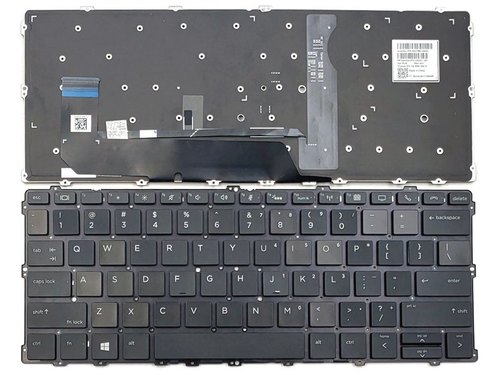
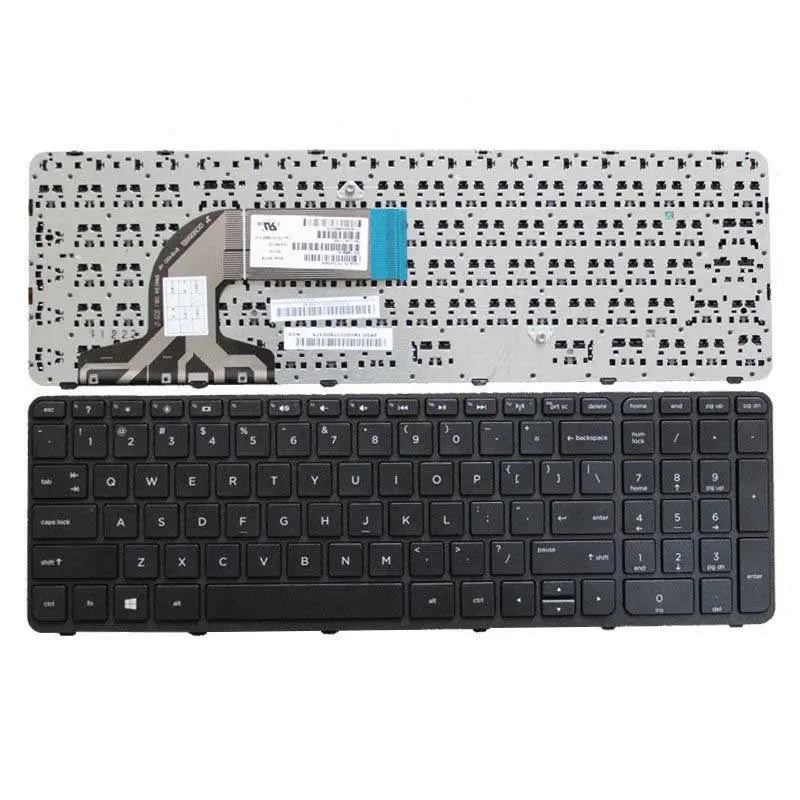
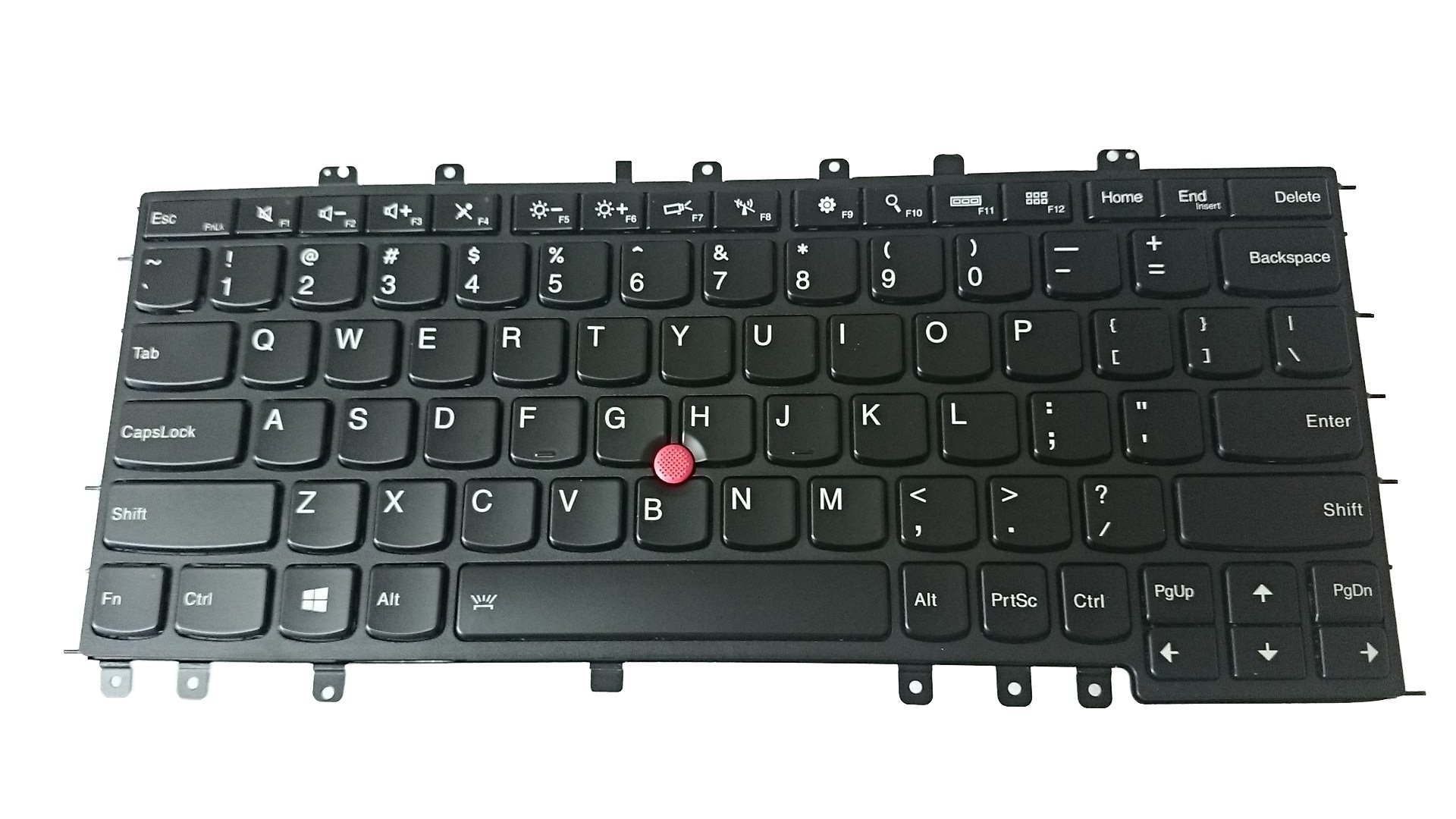
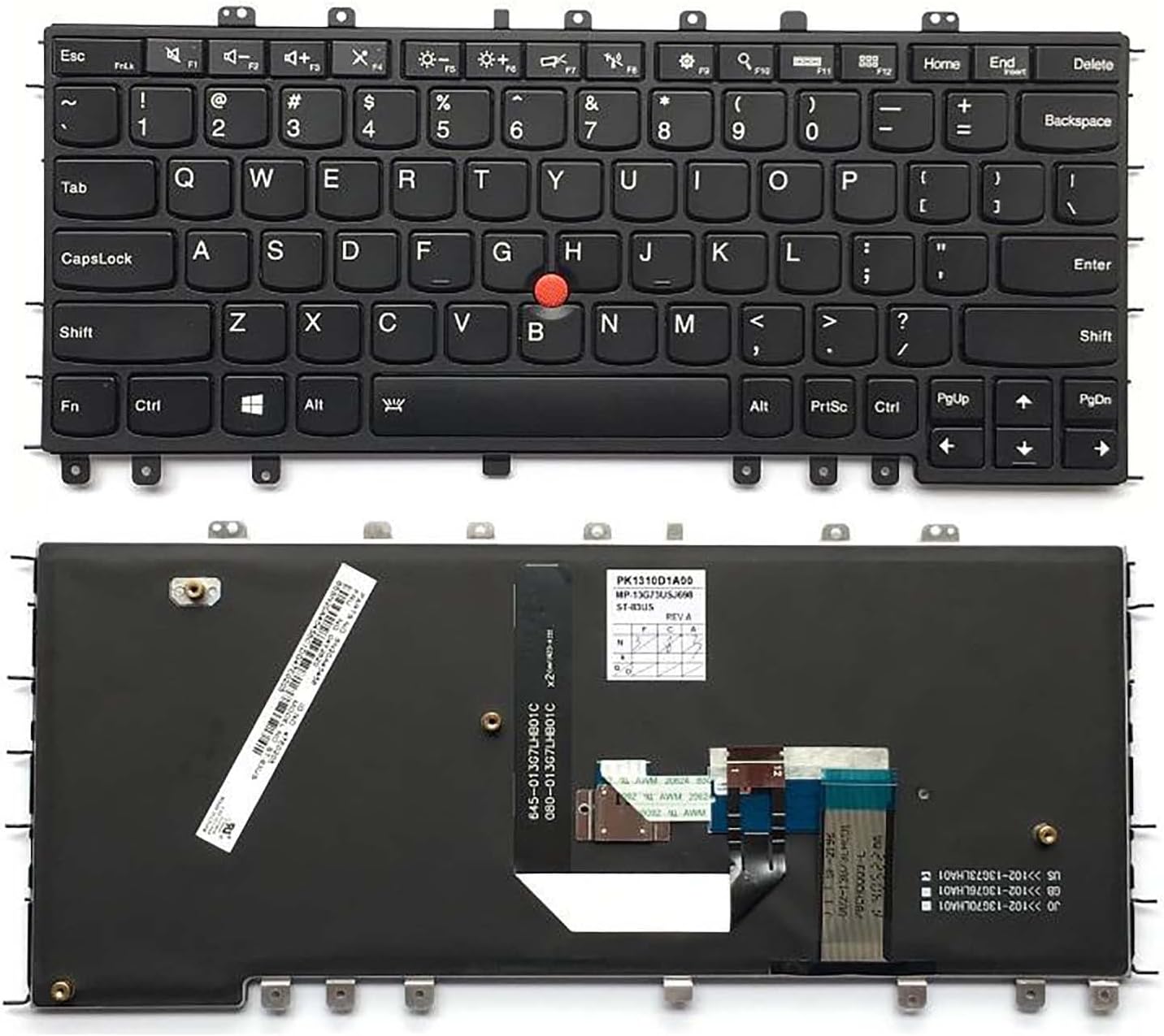
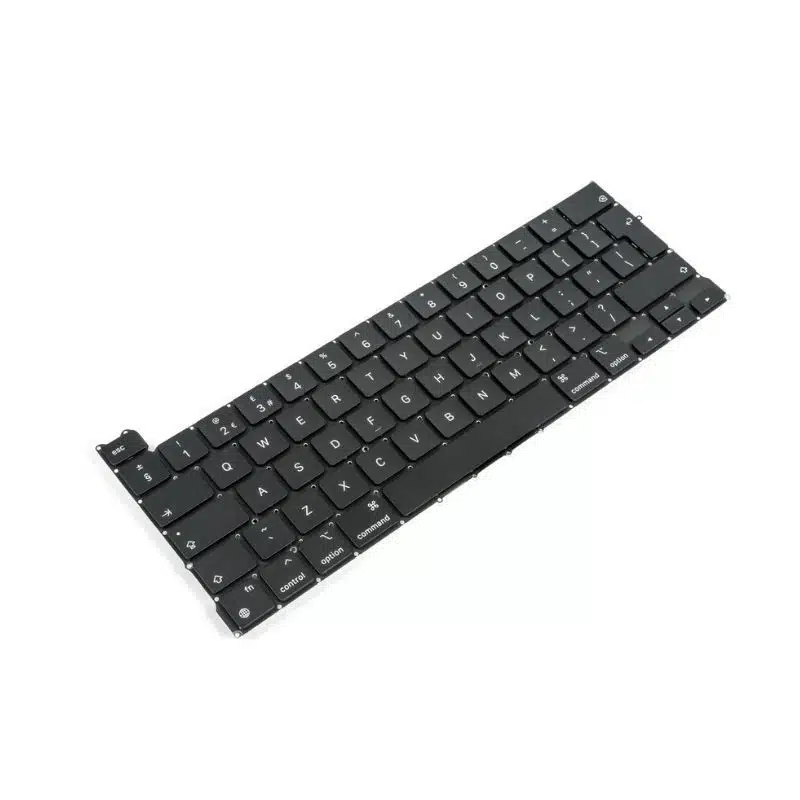
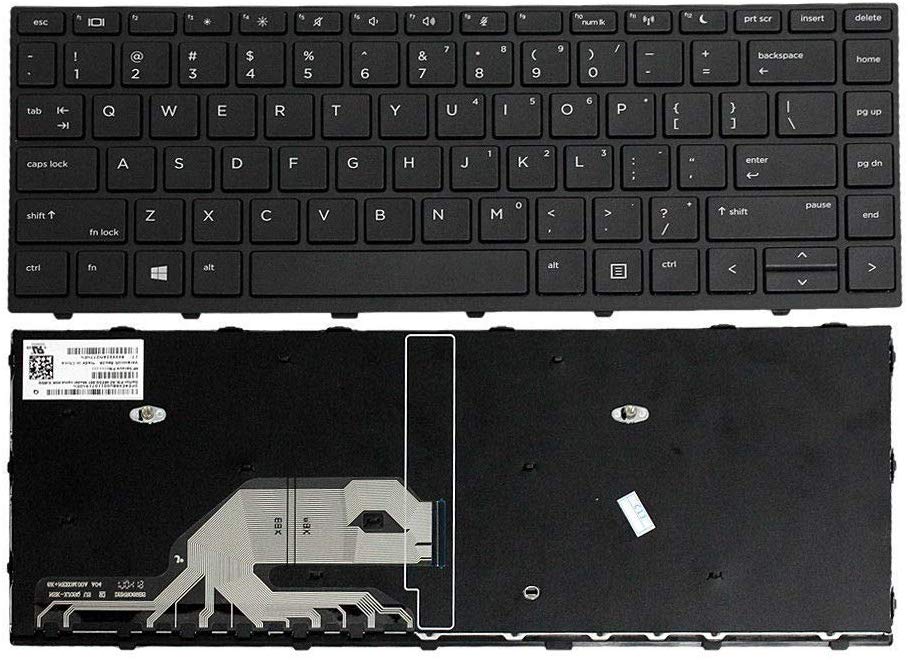
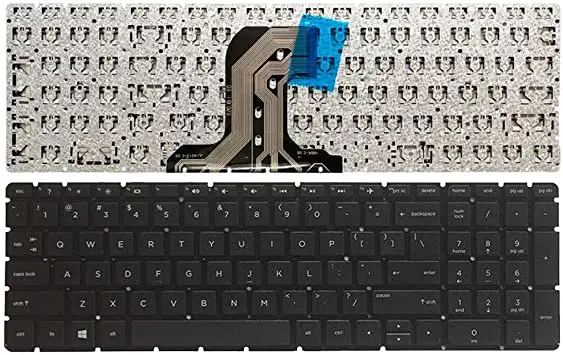
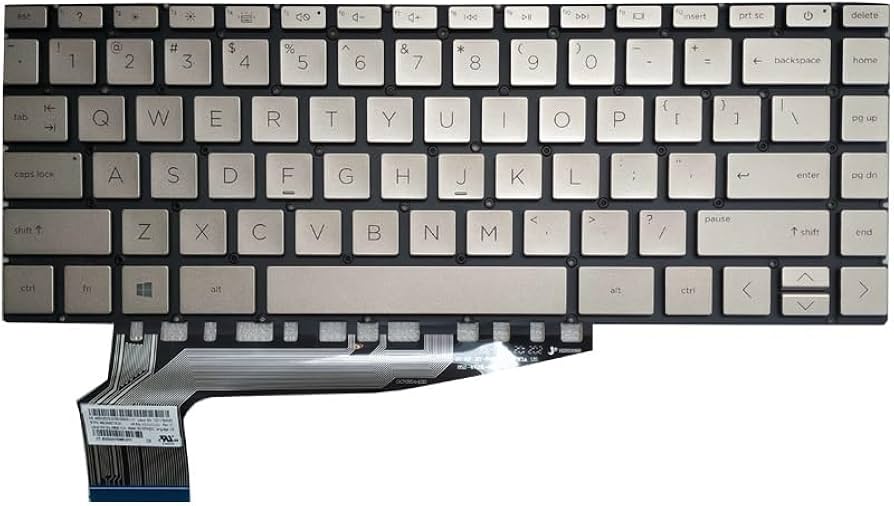
The HP Pavilion Aero 13-be0002ne Keyboard Replacement is a genuine or compatible spare part designed to restore your laptop’s typing performance to its original comfort and functionality. If your current keyboard has unresponsive keys, worn-out letters, liquid damage, or mechanical faults, this replacement provides a reliable and cost-effective solution without needing to replace the entire laptop.
Designed specifically for the HP Pavilion Aero 13 series, this keyboard ensures a perfect fit and seamless integration with your device. It aligns precisely with the laptop’s layout, mounting points, and internal connectors, making installation straightforward for technicians or experienced users.
The keyboard offers a comfortable and responsive typing experience, similar to the original factory-installed unit. The keys are well-spaced and engineered for smooth feedback, making it ideal for long typing sessions such as work, assignments, coding, or general daily use.
In terms of build quality, the replacement keyboard is made from durable materials that can withstand regular use. It is designed to maintain consistent performance over time, ensuring reliability for both professional and personal environments.
It also maintains the original layout, including function keys and shortcuts, ensuring you don’t lose any productivity features.
Key Specifications
Product Type: Laptop Keyboard Replacement
Compatibility: HP Pavilion Aero 13-be0002ne
Layout: Standard full keyboard layout
Build: Durable plastic with responsive keys
Installation: Internal replacement
This keyboard replacement is ideal if you want:
To fix faulty or damaged keys without replacing the laptop
Restore smooth and comfortable typing performance
Maintain the original look and feel of your device
A cost-effective repair solution
Reliable long-term usage
Restore full typing functionality with the HP Pavilion 13-be0002ne Keyboard Replacement—durable, OEM‑grade keyboard designed for Pavilion 13‑eb laptops, perfect for productivity and daily use.