



Product Overview
The Apple Magic Mouse 4 continues Apple’s tradition of blending sleek design with intuitive functionality in a wireless pointing device. By refining the user experience through gesture-based controls, seamless connectivity, and minimalistic aesthetics, this mouse is well suited for Mac users, creatives, and professionals who value both form and function.
Sleek & Minimalist Design
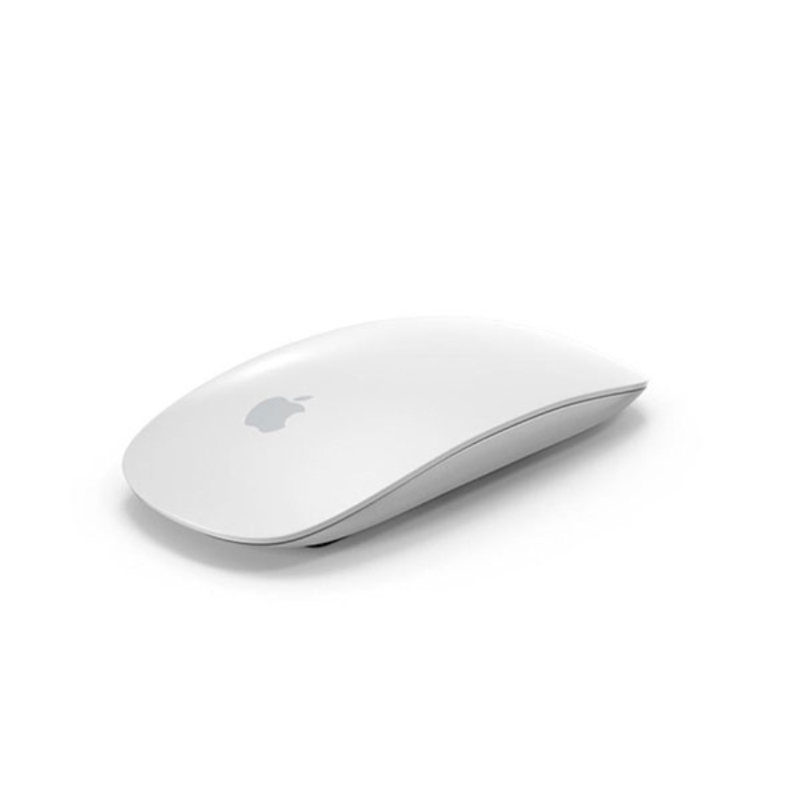
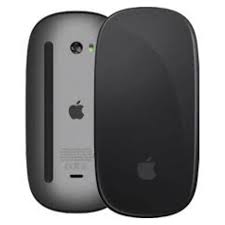
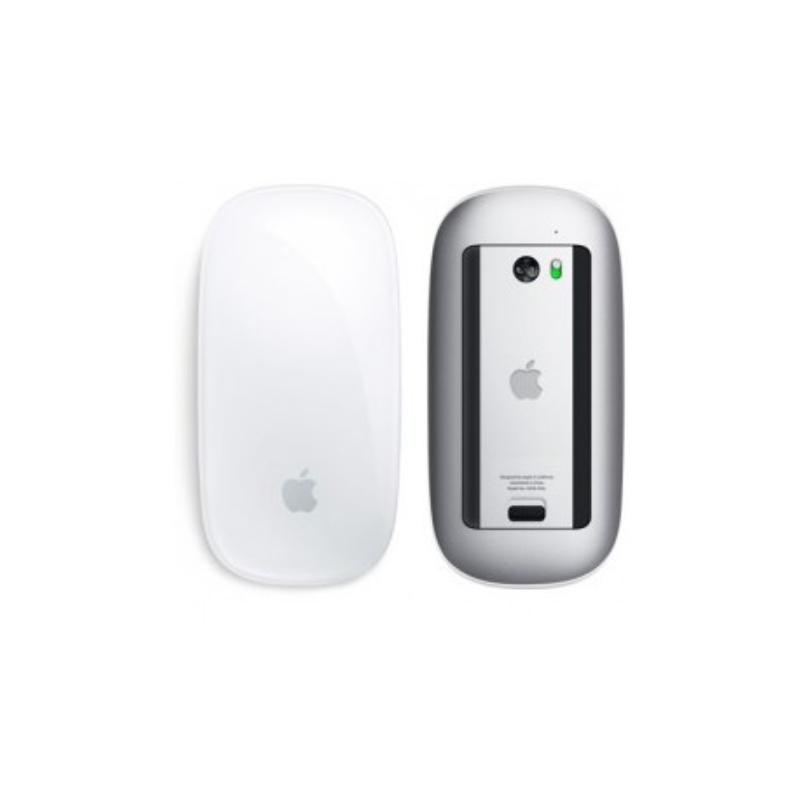
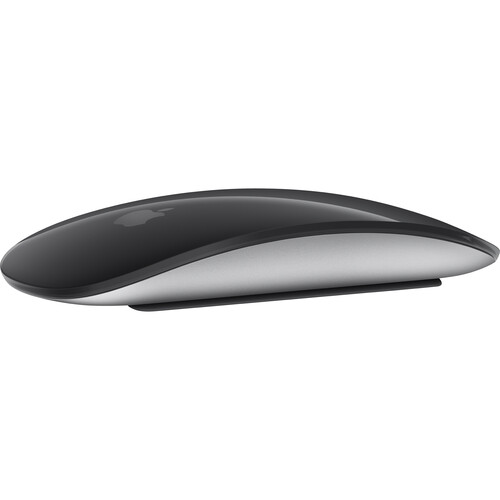
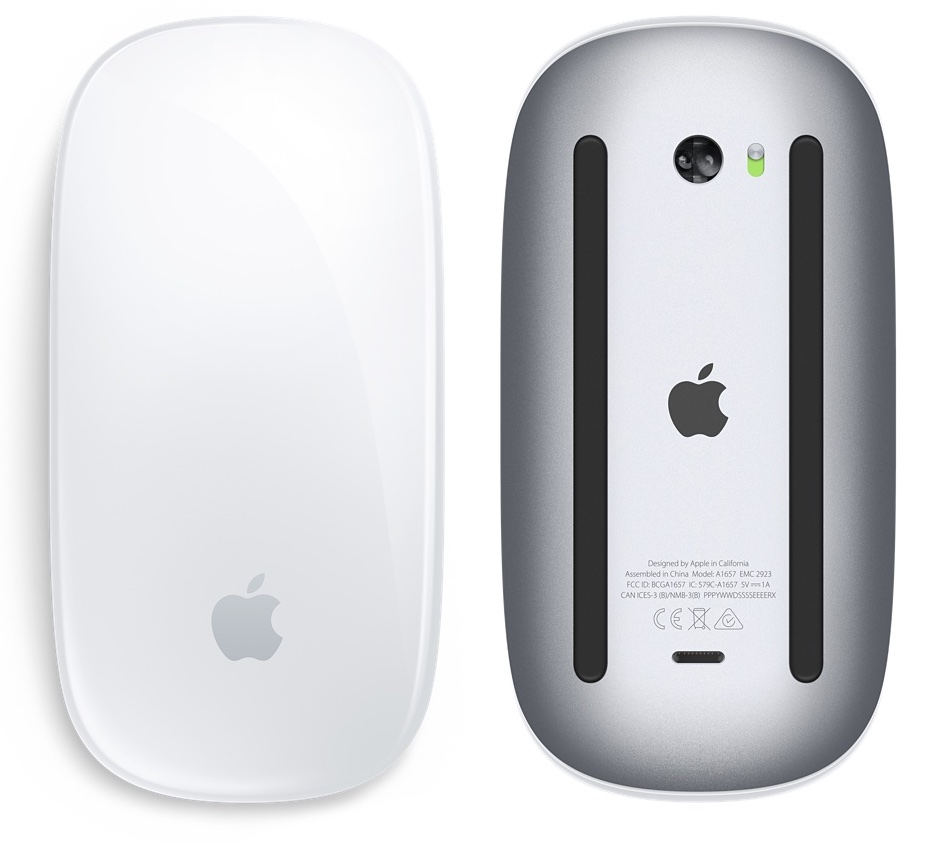
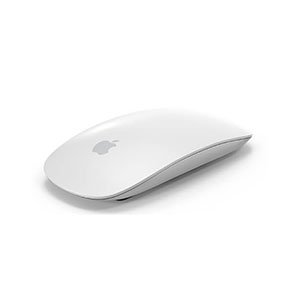
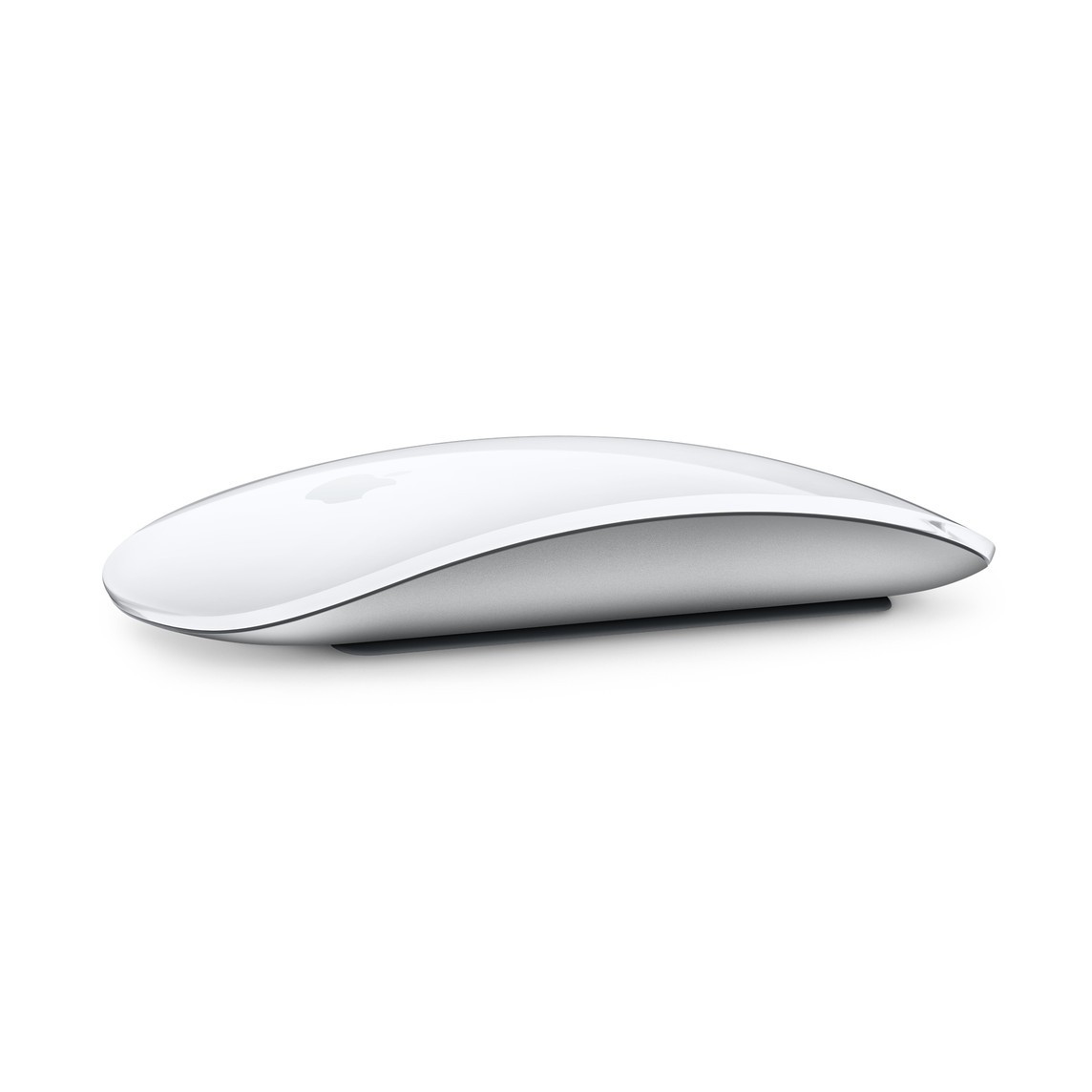
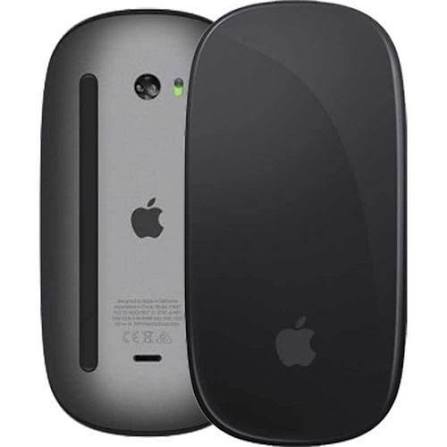
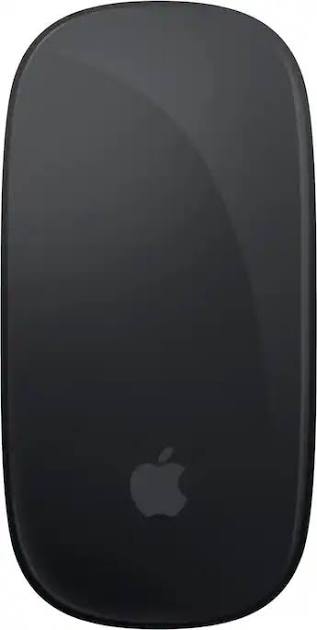
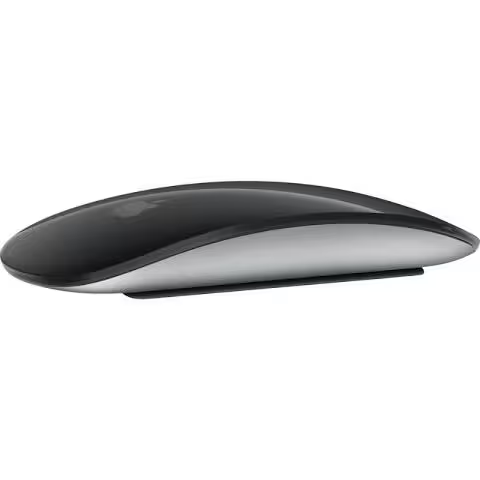
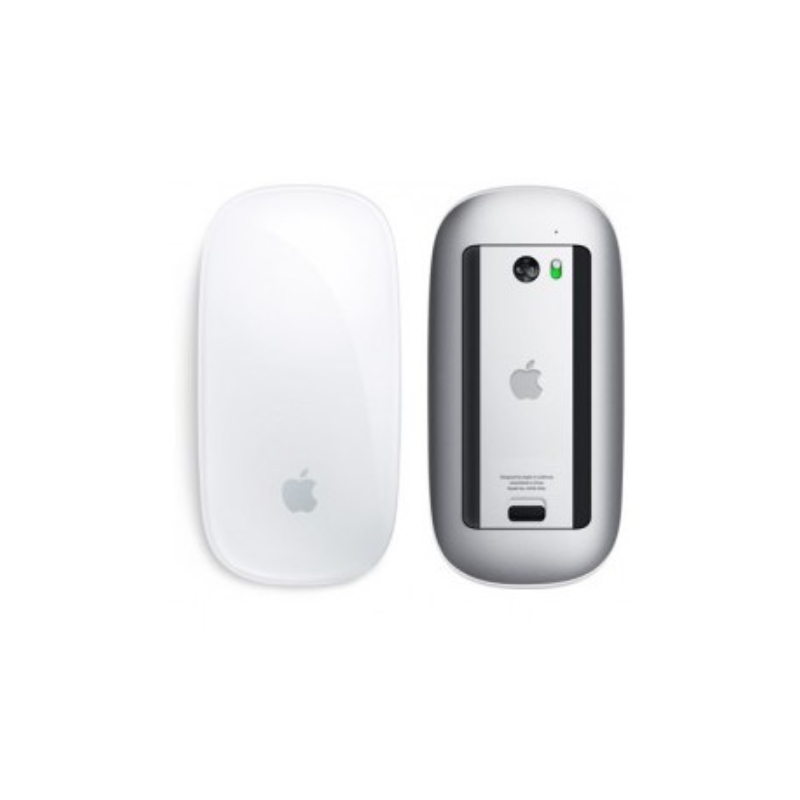
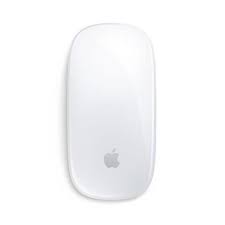
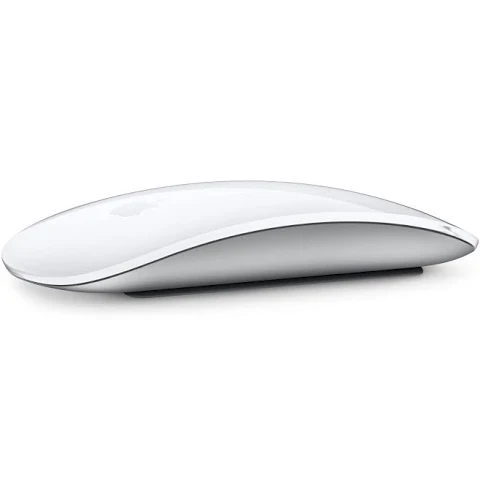
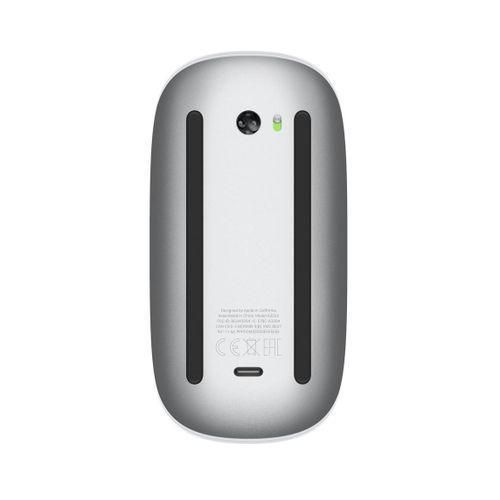
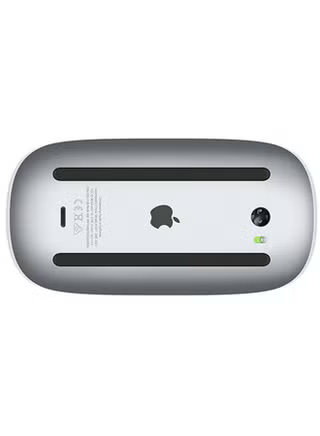
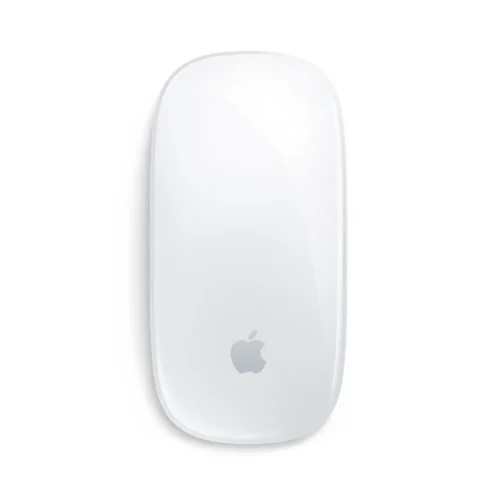
The Magic Mouse 4 retains the iconic low-profile, curved silhouette Apple is known for. Crafted with a smooth, seamless top shell, the design eliminates visible buttons or scroll wheels. Instead, the entire surface is touch-sensitive, allowing intuitive swipes, taps, and gestures. Its lightweight construction and balanced weight distribution make long hours of use more comfortable.
Gesture-Based Multi-Touch Interface
One of the defining features of the Magic Mouse 4 is its multi-touch surface. Users can perform natural gestures like swiping between pages, switching apps, scrolling, and more—all from the mouse’s top surface. This design removes physical constraints and enhances fluid navigation across macOS.
Seamless Wireless Connectivity
With Bluetooth connectivity, the Magic Mouse 4 pairs effortlessly with Mac devices, requiring no dongles or cables. It maintains reliable and low-lag performance suited for everyday workflows, creative tasks, and productivity. Quick re-connection ensures that switching between devices remains smooth and hassle-free.
Advanced Sensor & Responsiveness
Behind its elegant shell, the Magic Mouse 4 delivers precise cursor control. Its optical sensor tracks reliably across most non-reflective surfaces. The mouse ensures responsive performance even during rapid movements, making it suitable for design work, browsing, and general productivity.
Long Battery Life & Charging
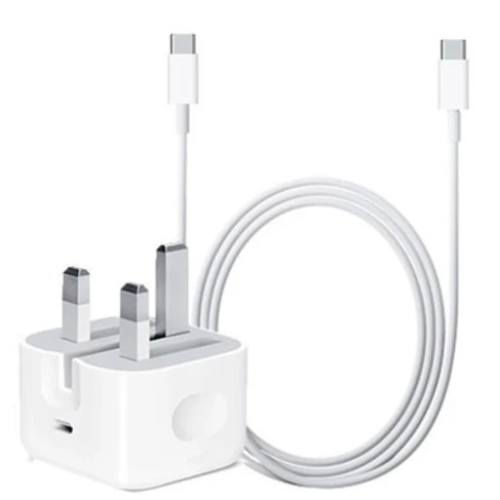
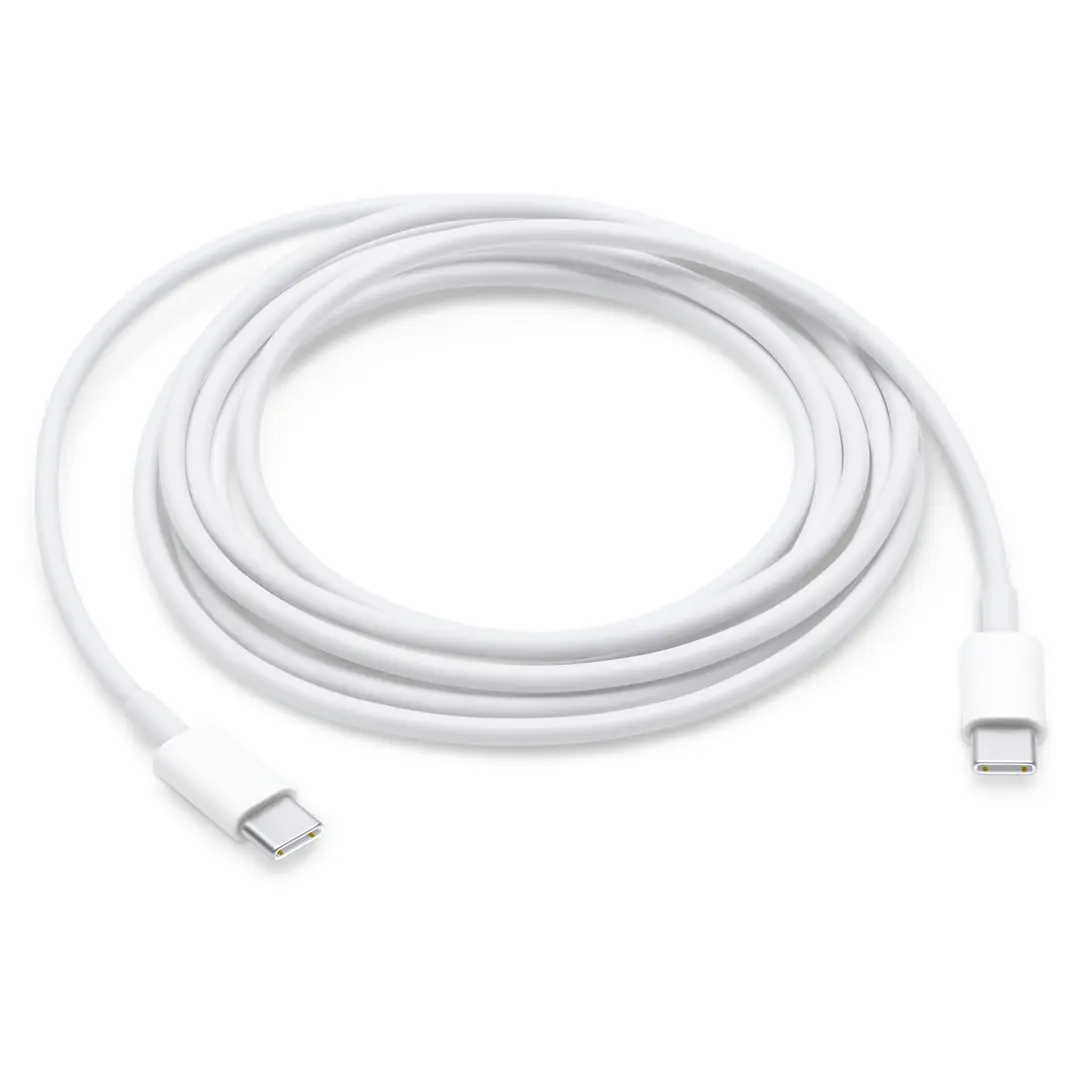
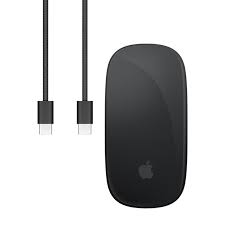
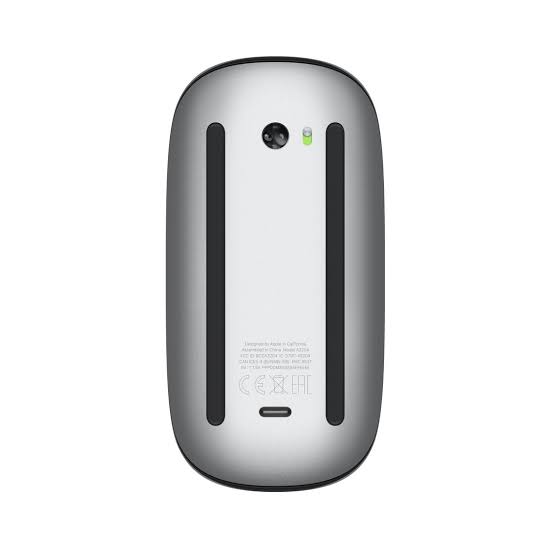
The Magic Mouse 4 is powered by an internal rechargeable battery. When paired with a Mac, the mouse optimizes power usage by entering low-power modes during inactivity. Charging is handled through a USB-C port (or Apple’s proprietary connector, depending on model), and short charging sessions often provide usable battery duration—minimizing downtime.
macOS Integration & Features
Designed for macOS, the Magic Mouse 4 supports features like gestures, Mission Control, and Sidecar seamlessly. Customization through System Settings → Mouse allows adjusting tracking speed, gesture actions, and scrolling behavior. Updates via macOS ensure improved compatibility and feature support over time.
General Specifications
Brand: Apple
Model: Magic Mouse 4
Connectivity: Bluetooth wireless
Interface: Multi-touch surface (gesture-based)
Sensor: Optical, smooth tracking
Battery: Rechargeable built-in
Charging: USB-C / Apple-specified connector
Weight / Size: Sleek, low-profile design
Compatibility: macOS devices supporting Bluetooth
The Apple Magic Mouse 4 combines elegant aesthetics, multi-touch gesture controls, wireless freedom, and macOS integration in a uniquely minimalistic package—perfect for users who prefer a refined, gesture-first pointing device.